Rules
Part of Fixed wireless: questions about the unit, path and hub
Inside fixed wireless alternatives: reaching a building no cable serves
Fixed wireless alternatives exist for the same problem it solves: reaching a building no cable serves. Compare them by independence, latency and what weather does.
Fixed wireless answers one question: how do you connect a building that no cable reaches, this month rather than next year. Several other things answer the same question, and they fail differently enough to be worth setting side by side.
What to take away
- Compare the options by how they fail, not by their headline capacity. Weather, congestion and power affect each of them differently.
- Latency is the discriminator that decides whether calls and remote desktops are usable. Ask for it before capacity.
- The best arrangement for many buildings is two modest paths that fail for unrelated reasons rather than one larger path.
The options, and what each one is bad at
A cellular router. Fast to deploy, needs no roof work, and shares a cell
with everyone else in the area. Capacity varies through the day and can change without notice when the cell gets busier. Good as a second path, workable as a first one for a small team. See 5G business internet.
Named hardware in this class includes Cradlepoint (now part of Ericsson) E300 and E3000, Peplink MAX and Balance, and Digi IX. Carriers sell the same idea under their own brands, T-Mobile 5G Business Internet and Verizon 5G Business Internet.
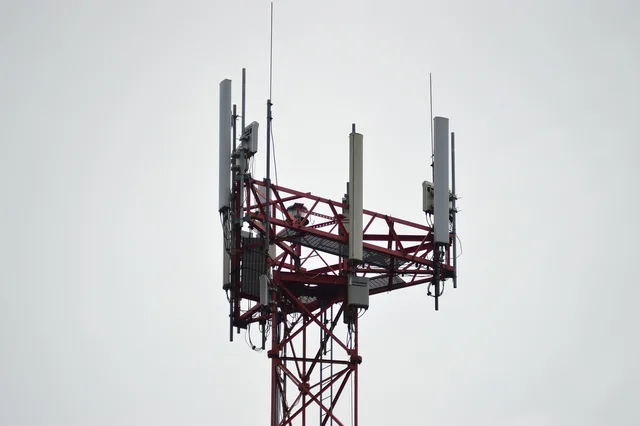
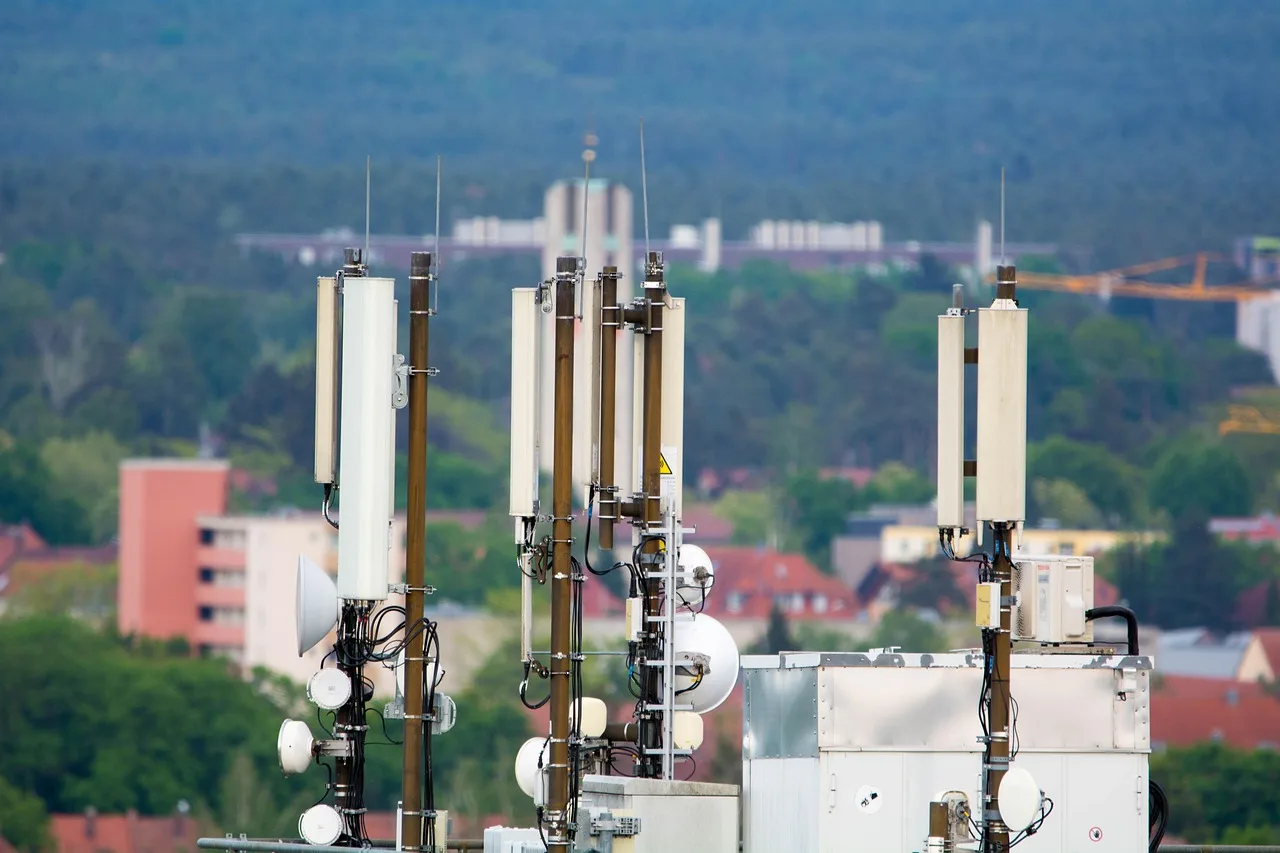
A fixed antenna to a mast. Steadier than a cellular router because the antenna is aimed and mounted, at the cost of a survey, an install and a dependency on the sight line. Rain and foliage affect it. See fixed wireless.
This is what a WISP sells. Typical radios are Cambium Networks ePMP, Ubiquiti airMAX or MikroTik, in the 5 GHz or CBRS 3.5 GHz bands, with clear-sight ranges of one to five miles (1.6 to 8 km). Rise Broadband is among the larger US providers selling it.
Satellite. Reaches almost anywhere. The distance the signal travels adds delay that no amount of capacity removes, and the delay is what makes conversation and interactive work awkward on the older high-orbit services. Ask for a latency figure, not a speed figure.
Starlink is the low-orbit name here, with a published latency range of 25 to 60 milliseconds from satellites about 550 km (340 miles) up. Viasat and HughesNet are high-orbit services at roughly 35,786 km (22,236 miles), where a round trip is commonly around 600 milliseconds.
A radio link to your own second site. If you already have a building with a good connection a short distance away, a dedicated link between them is sometimes the cheapest answer. It needs sight line, a mount at both ends, and somebody to own it.
Ubiquiti airFiber and MikroTik Wireless Wire are the usual low-cost parts. At 60 GHz the unlicensed band carries close to a gigabit over short hops, and rain cuts it hard.
Waiting for a wired build. Free, slow, and dependent on a date that moves. Worth tracking, never worth planning around alone.
The provider you wait for is usually the incumbent cable or telephone company or a state-funded fiber builder. The public money behind the schedule is the NTIA's BEAD program, $42.45 billion allocated by state, plus the FCC's Universal Service Fund.
Compare them by failure mode
Degrades with
- Cellular router
- Local demand, indoor signal
- Fixed antenna to a mast
- Heavy rain, foliage, sector load
- Satellite
- Heavy rain, obstruction
- Link to your own site
- Sight line, weather
- Wired service
- Rarely
Fails completely when
- Cellular router
- The cell or its backhaul fails
- Fixed antenna to a mast
- Sight line is lost or the mast fails
- Satellite
- Weather or hardware
- Link to your own site
- Either end loses power
- Wired service
- A cable is cut
Delay
- Cellular router
- Low, but variable
- Fixed antenna to a mast
- Low and fairly steady
- Satellite
- Depends heavily on the orbit; ask
- Link to your own site
- Very low
- Wired service
- Lowest and steadiest
The column that decides most business questions is the last one. Delay and
Failure Modes by Option
Cellular
- Degrades with
- Local demand
- Fails when
- Cell fails
- Delay
- Low, variable
Fixed antenna
- Degrades with
- Rain, foliage
- Fails when
- Sight line lost
- Delay
- Low, steady
Satellite
- Degrades with
- Heavy rain
- Fails when
- Weather
- Delay
- Orbit-dependent
Wired
- Degrades with
- Rarely
- Fails when
- Cable cut
- Delay
- Lowest, steadiest
Pairing two paths properly
If reliability is the problem, two independent paths beat one better path.
Independence means:
- Different medium. A wired line and a radio link do not fail together.
- Different infrastructure. Two services from the same mast are one service.
- Different power dependency, with a battery for the equipment and a stated runtime. The federal guidance on power outages is a plain reminder of how much stops when the building goes dark.
- A router that switches automatically, tested by unplugging the primary during working hours rather than assumed.
What to ask before choosing any of them
Four questions, asked of every candidate, produce a comparable answer:
- What is the round-trip delay to a well-known destination, measured rather than estimated?
- What is the upload figure, separately from the download figure? The regulator's household broadband guide is a useful frame for turning simultaneous use into a requirement. The FCC's fixed benchmark, set in March 2024, is 100 Mbps down and 20 Mbps up.
- What is shared, and with how many others?
- What is the repair path, and how long does a site visit take here?
Provider comparisons covers how to make the answers line up into a decision.
Common questions
Is satellite ever the right choice for an office?
For a remote site with no alternative, yes. For anything call-heavy, ask for the delay figure first and test it before committing.
Can we bond two connections together?
Some equipment can use two paths at once. It works better for many small flows than for one large one, and it adds a device that can itself fail. Treat it as an option to test rather than a guarantee. Peplink sells this as SpeedFusion; Speedify and OpenMPTCProuter do similar work in software.
Is a cellular router good enough as a main connection?
For a few people doing ordinary work, often. For a room of people on calls at four in the afternoon, usually not, because the cell is busiest exactly then. Plan pages quote typical speeds, not guarantees, and upload is usually the tighter figure.
How do we choose between two paths we cannot afford together?
Buy the one that is steadier rather than the one that is faster, and keep a cheap cellular fallback for the day it stops.