Features
Part of How fiber internet is delivered and what it changes
Fiber internet security at the edge
Fiber internet security starts at the edge: learn what fiber does not protect and how to manage exposed services, network separation and access.
Mistake: assuming fiber itself protects the network
The costliest mistake is assuming the fiber circuit is the security boundary. Fiber is harder to intercept than radio, but it does not encrypt, filter, inspect, or stop traffic. Your router and building configuration determine what the internet can reach, including across networks you do not control.
That physical advantage ends at the circuit. The connection does not encrypt traffic, and a private link to the provider says nothing about what happens beyond its network. Mail, remote access, file transfers, and customer data rely on applications and services at both ends using encrypted connections.
Fix:
- Use SFTP rather than FTP for file transfers.
- Use a maintained VPN such as WireGuard, OpenVPN, or IPsec for remote access, and require MFA.
- Check that business email connections use TLS in transit. TLS does not encrypt message content end to end.
Mistake: leaving the router on its defaults
Leaving the router on defaults leaves credentials, remote administration, firmware, and inbound access uncontrolled. The router sits between provider equipment and the internal network, so assuming it is secure from the outset leaves every connected device relying on settings no one has verified.
Fix:
- Replace the shipped administrative credentials, then store them in a manager controlled by the business.
- Disable administration from outside unless there is a specific need and a specific control for it.
- Keep firmware current in a window you control, and know how you will learn when an update is available.
- Review inbound rules. Keep each rule only while someone can explain why it exists; remove rules without a known reason.
Router edge hardening checklist
- Change admin credentials, store in manager
- Turn off outside administration
- Keep firmware current, controlled window
- Audit inbound rules, remove unjustified
- Turn logging on, send off-box
If the provider operates the router, ask them to verify each item rather than treating management as proof of protection. A managed service changes who holds the password; it does not show that credentials, outside administration, firmware, inbound rules, or update tracking are secure.
Mistake: exposing services without keeping a register
A fixed public address makes access to the premises convenient, but it also lets others scan for services. Exposed services will be probed, so each one must remain patched and authenticated for as long as it stays reachable. This is why convenience needs a register rather than open-ended exceptions.
Fixed address exposure habits
- Expose only what must be exposed
- Prefer outward connections or one gateway
- Keep a list of exposed services
- Record owner and last update date
- Restrict VoIP inbound to provider range
Keep the number of open services small and make every exposure deliberate. A camera recorder does not need connections from the whole internet if it only needs to be reachable by you. Prefer an outward connection to a service or one authenticated gateway instead of separate holes for individual devices.
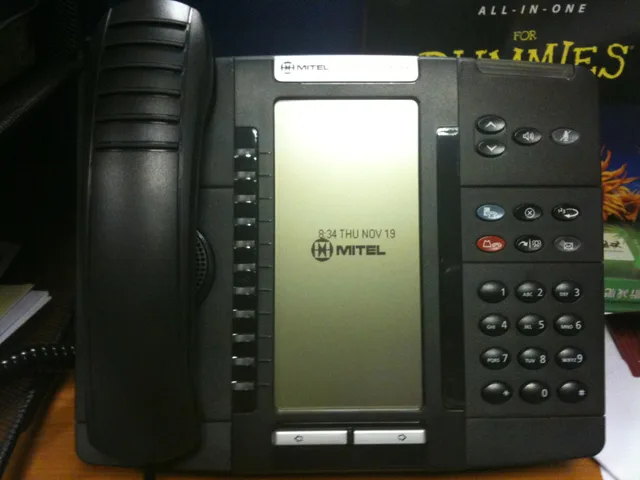
Record each exposed service, what it does, who owns it, and when it was last updated. The register should stay short when exposure is limited; many reachable services without a clear owner or update history are a warning. An on-site phone system may be the largest exposure because it must accept calls from the provider.
That network requirement comes with VoIP systems, so ask the phone provider which address range it connects from and restrict inbound traffic to that range. This narrows the permitted path to the source that needs access rather than leaving the service open to everyone.
Mistake: putting unrelated devices on one network
A flat network puts payment equipment, visitors' laptops, cameras, and accounts computers together. The weakest device then sets the security level for all the others. Separating devices by purpose is a practical security control, not an optional tidying exercise.
Network segments to separate
Segment
- Guests
- Internet only, nothing else
- Unmanaged devices
- Cameras, screens, sensors, printers
- Payment equipment
- Own segment, narrowest path out
- Staff and servers
- Accounts and records further separated
What goes there
- Guests
- Unmanaged devices
- Payment equipment
- Staff and servers
Create separate network segments for these groups, limiting routes between them to what each group needs. The router and switch determine how much separation is possible, but define each device category and its purpose before configuration begins. That keeps the design tied to the equipment rather than assumptions.
Fix:
- Devices you do not manage:cameras, screens, sensors, printers, and anything with a web interface but no update schedule.
- Payment equipment:give it its own segment, the narrowest possible route out, and check what the payment provider requires.
- Staff and servers:keep other work devices here, with accounts and records machines further separated if the router and switch support it.
Most business routers and managed switches can create these segments, making this a configuration job rather than a purchase. Record each segment and its reason in security settings; device categories and their purpose should be clear before configuration. That record should explain the boundary each segment creates.
For payment equipment, ask the payment provider which PCI DSS (Payment Card Industry Data Security Standard) requirements apply and what evidence the setup needs. A separate network segment by itself does not establish compliance, so document what the provider expects.
Mistake: letting devices choose their own DNS
Every connection starts with a lookup. If the router directs every device to one resolver, there is one place to block known bad destinations and observe what the network contacts. Leaving devices free to choose another resolver weakens that control and reduces what the router can enforce.
Enforced resolver as control point
- Device starts a connection
- Lookup goes to chosen resolver
- Router enforces that resolver
- Known bad destinations blocked
- Traffic visible in one place
Filtering resolvers include Quad9, Cloudflare for Families, and OpenDNS. Whether free or paid, the choice matters less than enforcing it at the router. Check each service's filtering options and privacy terms, then confirm devices use the selected resolver; DNS filtering does not replace a firewall.
Mistake: treating the equipment room as automatically secure
Treating a cabinet, communications room, or shared riser as automatically safe overlooks who can handle the equipment, who else works nearby, and whether its placement makes it easy for someone passing through to identify. Location belongs in the security review because access to the equipment can affect the network.
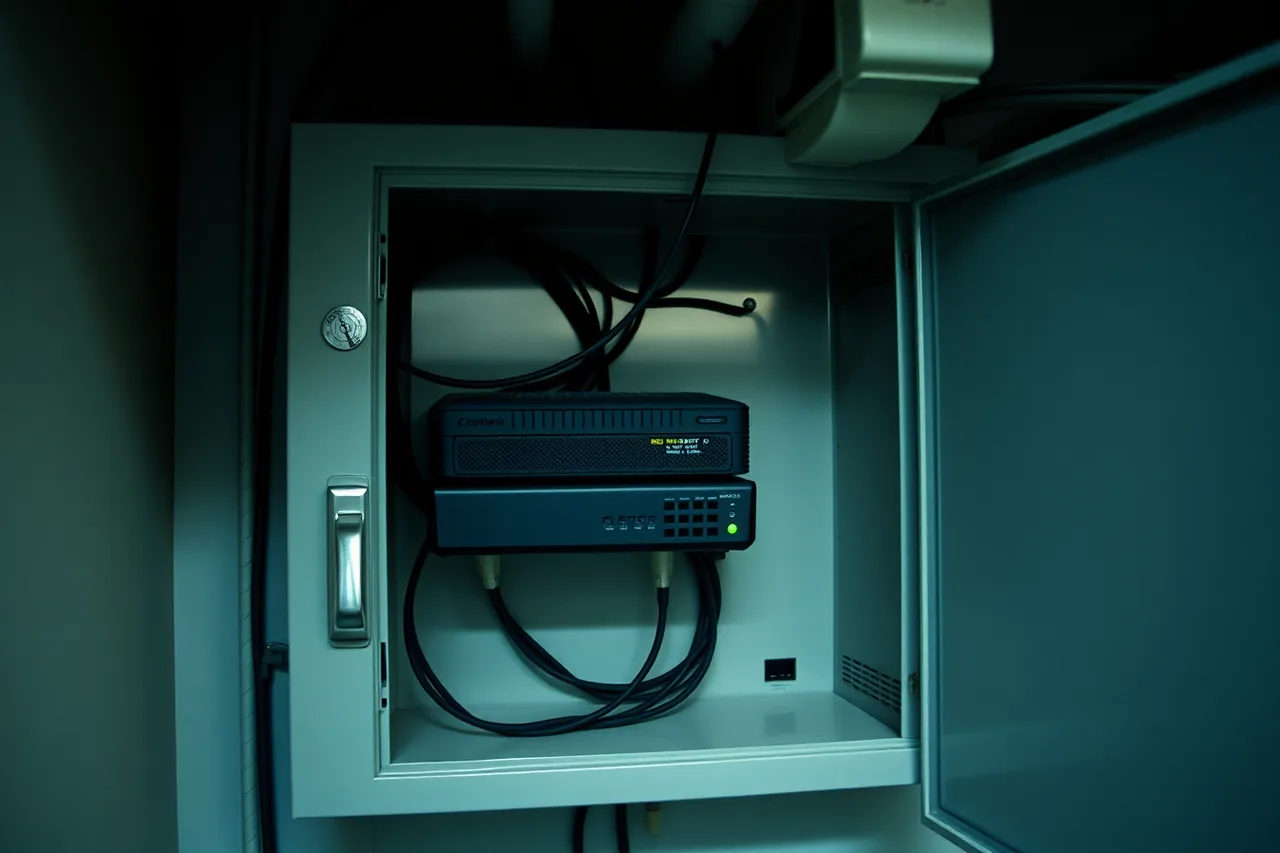
Ask who holds the key, whether contractors for other tenants use the same space, and whether your box is labeled with your name for anyone wandering past. Put equipment where fewer people go, and lock the router inside an enclosure when it sits in a public part of the building.
Power belongs in the physical review too. If a cleaner can unplug the router and make it reboot, it should return with the configuration last saved. That should be the configuration you audited, but it is not always, so include power and saved settings in the check.
Mistake: keeping an unnecessary remote access door open
Leaving remote access poorly protected exposes the network because the access point is an attractive service on your public address. If staff connect into the office, require a second factor, keep the access software current, and log who connects and when. Those checks make its use accountable and maintained.
Does the office need a door
Do staff connect into the office?
Require second factor and log
Nothing to reach in for
If staff already do their work in hosted services, consider whether the office needs to act as a door at all. With nothing to reach inside, there is one fewer service to defend. Devices taken outside the building have their own risks, and mobile business plans raise questions that start with those devices.
Mistake: treating a purchase or one-time check as the fix
A firewall purchase or one-time check does not correct poor credentials, exposed services, or a flat network. Configure the router already in place first, then review its security controls as services, devices, and connections change. Hardware or a snapshot alone is not ongoing protection.
Fix:
- Change router credentials, turn off outside administration, and maintain firmware in a controlled update window.
- Check inbound rules and remove any that no one can justify.
- Record each exposed service, its owner, and its last update.
- Separate unmanaged devices, payment equipment, staff, and servers as the equipment allows.
- Enforce one selected resolver through the router and check its filtering and privacy terms.
- Require a second factor for remote access, maintain its software, and log connections; remove the office access point if it is not needed.
- Check who can reach the physical equipment, secure its power and location, and test that a second connection does not bypass controls.
Fiber security short list
- Router credentials changed, external admin off
- Inbound rules audited and justified
- Exposed services listed, minimal, maintained
- Guest, unmanaged, payment, staff separated
- One enforced resolver
- Equipment lockable, labeled, on protected power
- Remote access with second factor and log
Examples of small business firewall and gateway lines include Firewalla Gold, Cisco Meraki MX, and Ubiquiti UniFi gateways. Compare update support, management requirements, and provider compatibility before buying; a product name does not prove secure configuration. Use provider comparisons to structure that evaluation.
Most small business incidents come through credentials, exposed services, and flat networks, and buying a product does not fix any of those by itself. A second connection doubles the edges: apply the first router's controls to the second, and test failover so it does not route around them. Include that check in business internet migration.
Use the NIST Cybersecurity Framework to organize the review. NIST's Guidelines on Firewalls and Firewall Policy is a specific federal reference for firewall rules and policy. CISA's Good Security Habits covers multifactor authentication (MFA), the control that closes the most common way in.
Review whenever a service is exposed or a device is added, and otherwise with each firmware cycle. The checklist takes about an hour to check; also confirm that the contract, described in fiber internet, still matches the installation. That keeps the review connected to the service and equipment actually in place.
A private circuit between your building and the provider is useful, but it says nothing about what happens beyond the provider network or what can reach your router. A second connection does not remove the need to secure either edge, and failover must not route around your controls.