Costs
Part of Straight talk about business internet, without the sales pitch
5g business internet features worth understanding
5G business internet features that matter: modem or router, antenna connectors, band and plan wording, failover logic, a reachable address, alerts and power.
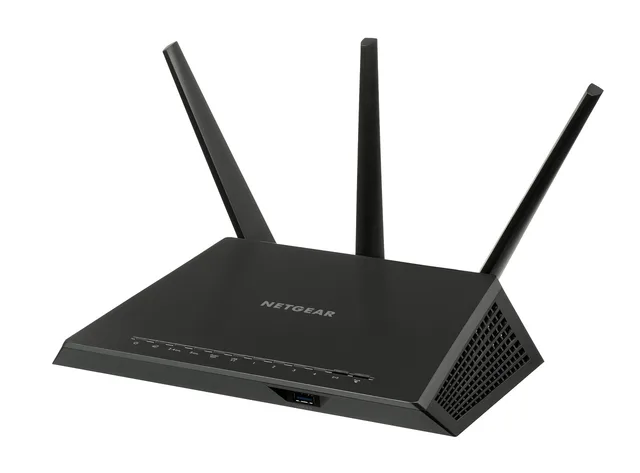
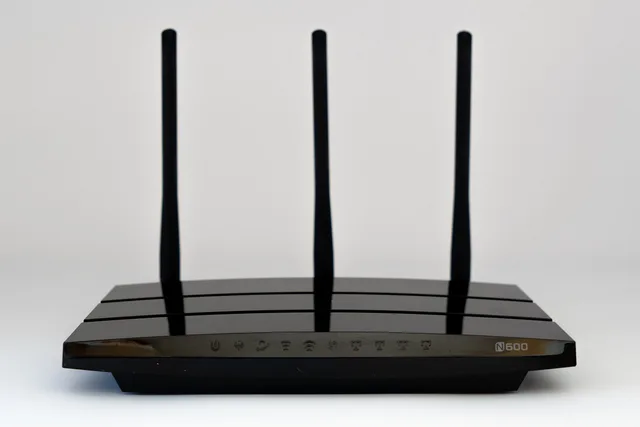
The 5G business internet features on a cellular router read like a catalog of things you did not know you needed. Most of them you do not. A handful decide whether the unit works at your address, whether it can act as a fallback without anyone touching it, and whether you can find out what it is doing from somewhere else.
The features are what to compare, but they only mean something against the 5G bands, plans and units the carrier and equipment maker actually sell at your address.
What is 5G-specific
A 5G business internet unit has to support 5G NR, not just LTE. Ask whether it works in 5G standalone (SA) mode or only non-standalone (NSA), and whether the plan offers a priority or QoS tier for business traffic. Network slicing is a 5G feature some carriers sell; if your provider does not offer it at your address, it is not a feature you can buy.
In the US, Verizon and T-Mobile sell 5G Business Internet plans, and AT&T sells business internet and wireless broadband options. Their coverage maps and plan sheets tell you which bands serve your address, and Cradlepoint, Peplink, and Digi are examples of makers whose spec sheets list these features in one place.
What to take away
- Decide the box's job firstthe edge of your network, or a modem behind a router you already trust. The right feature set follows from that.
- Antenna connectors and an outdoor option are the features most likely to turn a marginal site into a working one.
- Failover is a feature that has to be configured and tested, not a box on the spec sheet. Ask how it decides to switch, and how it decides to switch back.
First decision: modem or router
A cellular unit can do one of two jobs.
Cellular unit: edge vs modem
As the edge (router)
- Job
- Routes, firewalls, prioritizes
- Best for
- Small or temporary site
- Failover logic
- Inside the unit
- Replacement impact
- Changes whole network
- Key ask
- Routing features good enough
As a modem behind router
- Job
- Radio to network port
- Best for
- Fallback for wired link
- Failover logic
- Stays in your router
- Replacement impact
- One more upstream
- Key ask
- Clean pass-through mode
The edge. It is the router: it hands out addresses, runs the firewall, prioritizes voice, does everything. Simple for a small site or a temporary one. It means the unit's routing features have to be good enough, and that a replacement changes your whole network.
A modem behind your router. The unit does nothing but turn radio into a network port, and your existing router treats it as one more upstream connection. This is the right shape when the cellular link is a fallback for a wired one, because failover, rules and logging all stay in one place you already manage. The unit needs a pass-through or bridge mode that hands the connection through cleanly; ask for it by describing this arrangement.
Everything else on the list depends on which of these you are buying for. The wider picture of what cellular can and cannot do at an address is in 5G business internet.
Antenna connectors
An internal antenna is designed for a unit sitting somewhere convenient,
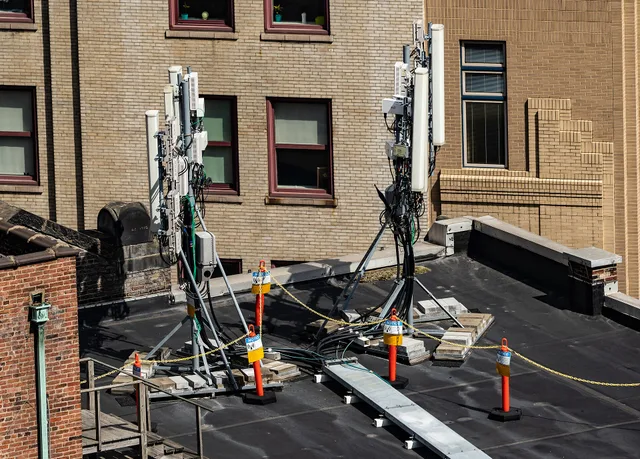
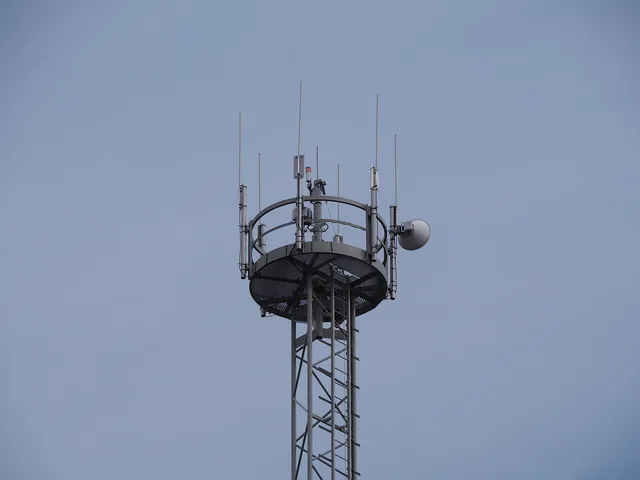
which is rarely where the signal is. A unit with external antenna connectors lets you put the antenna where the signal is and the unit where the power is.
Ask:
- How many connectors, and of what type. More connectors generally allow more of the radio's capabilities to be used at once.
- Whether an outdoor unit is available, where the radio itself sits outside and a single cable carries data and power inside. For a marginal site this is the feature that makes the difference.
- What cable lengths are supported without loss becoming a problem, because antenna cable is not free to run across a building.
A unit with no connectors is a unit that can only ever be as good as the spot it sits in.
Bands and plans
A cellular unit supports a set of frequency bands. A provider uses a set of
Bands and plan checks
- Ask provider which bands serve your address
- Compare those bands against unit specification
- Do not assume business grade supports everything
- Check if plan is intended for fixed use
- Check if plan permits router for many devices
- Check if plan gives lower priority at busy times
For 5G, the band names to check on a US unit are n71 (600 MHz low-band), n41 (2.5 GHz mid-band), n77 (the C-band around 3.7 GHz), and the millimeter-wave bands n260 (39 GHz) and n261 (28 GHz). A unit that lists only LTE bands is not a 5G unit; a unit without n41 or n77 may fall back to low-band 5G with LTE-like speeds.
The SIM and the plan are features too.
The plan says whether it is for fixed use, lets the unit act as a router for many devices, or gives lower priority at busy times. A unit cannot change these.
Failover
If the unit is a fallback, its most important feature is the logic that
Failover logic to configure
What does it watch: port state or internet reachability?
use reachability, because a wired line can be up and going nowhere
port state alone may miss a dead line
- What it watches.The state of the wired connection's port, or whether a destination on the internet is actually reachable. The second is the useful one, because a wired line can be up and going nowhere.
- How quickly it switches.And what happens to calls and sessions in progress, which usually do not survive.
- How it switches back.Immediately when the wired line reappears, or after it has been stable for a while. Immediate switching back on a line that is flapping gives you the worst of both. FEMA's Continuity Guidance Circular is a short frame for deciding what the fallback actually has to carry.
- Whether it tells anyone.A failover nobody notices is a fallback that has been quietly carrying the business on a usage allowance for a week.
Configure it, then pull the wired cable on a quiet afternoon and watch. An untested fallback is a theory, and the consequences for calls are in VoIP systems.
A reachable address
Most cellular plans put you behind the provider's address translation,
Reachable address decision
Must anything on premises be reached from outside?
look for plan option with fixed public address
provider address translation is fine
Where that option does not exist, the design change is to have on-site equipment connect outward to a service instead. This is a plan feature more than a unit feature; the unit needs only to pass it through.
Remote management and alerts
For a fallback or a remote site, the ability to see the unit from elsewhere
matters more than almost anything on the sheet:
- Signal quality over time, so a degrading site can be seen before it fails.
Remote management and alerts
- Signal quality over time
- Usage against allowance, with alert before edge
- Whether unit is on wired or cellular path
- Logs with timestamps
- Configuration export and restore
- Firmware updates in a window you choose
- What happens if maker's cloud is unavailable
Also ask for configuration export, so you can restore the unit or move it to a replacement without rebuilding every setting, and for the firmware update window, so updates do not land during business hours.
If management is through the maker's cloud service, ask what happens to the unit when that service is unavailable or discontinued, and whether local management still works.
Before you weigh any of these features, turn your own activities into a target: the FCC's broadband speed guide does it in plain terms and stops a feature list from setting your requirement for you.
Power
A unit that takes Power over Ethernet (PoE) can sit on a roof or a
window frame with one cable. A unit that needs a mains adaptor needs a socket where the signal is.
For a fallback, put the unit on the same battery-backed supply as the router. The value of a cellular link in a power cut is that the mast is not on your power; the unit still has to be.
The feature list, compressed
| Feature | Matters most when | Ask |
|---|---|---|
| Pass-through mode | It sits behind your router | Does it hand the connection through cleanly? |
| External antenna connectors | Signal is marginal indoors | How many, what type, outdoor option? |
| Band support | Always | Which bands serve my address, and are they listed? |
| Failover logic | It is a fallback | What does it watch, and how does it switch back? |
| Fixed public address | Anything must be reached from outside | Is it a plan option, and what does it change? |
| Remote visibility | Fallback or unattended site | Signal, usage, path, logs, from where? |
| Power over the cable | Antenna position is far from a socket | Is it supported, and at what cable length? |
Common questions
Do I need the newest radio technology?
You need a unit that works well on the bands your provider uses at your address. Newer is not automatically better if the provider does not serve your area with the newer bands; the survey and the trial settle it.
Can one unit serve a whole office?
As the edge, yes for a small one, as long as its routing features and its throughput hold up. For a larger office the modem-behind-router shape is better, and the office's existing switch and wireless do the rest.
Is a consumer unit good enough for a fallback?
Sometimes. The features that tend to be missing are pass-through mode, external antenna connectors, and any remote visibility. If those three are present, the label matters less.
What if the fixed wireless option is also on the table?
They are different products: an engineered link with a survey and a mast against a share of a public cell. Fixed wireless is the one to read next if reliability at the busy hour is the priority and a survey is possible.