Maintenance
Part of Setup and troubleshooting: label what gets touched in a panic
Setup and troubleshooting setup without the filler
Setup and troubleshooting setup without the filler: install order for demarc, cabling, patch panel, switch, router, power and labels, plus first fault checks.
An office network installed in the wrong order works on the first day and produces faults for years. Installed in the right order, it is boring, which is the goal.
This page is the order and the reason for each step in setup and troubleshooting setup. The method it feeds is setup and troubleshooting.
What to take away
- Find and photograph the demarcation point first. It is where the provider's responsibility ends and yours begins; the provider must fix the service up to that point, and the repair beyond it is yours. Every future fault starts there.
- Terminate every cable at a patch panel and label both ends. This is the single change that shortens all future work.
- Power and labeling are the two steps people leave until last and should do during the install.
The order
- Find the demarcation point. The socket, box or panel where the incoming service arrives. Photograph it and note the reference printed on it.
Setup order, demarcation to test
- Find the demarcation point
- Choose the equipment location
- Run the cabling
- Terminate at a patch panel
- Install the switch
- Install the router
- Set up power
- Label everything
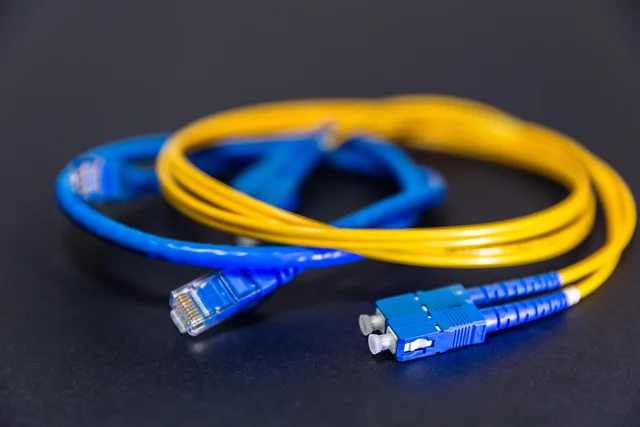
Keep the photograph with the contract. Choose equipment location: powered, ventilated, out of the way, lockable, not under a water pipe. Every rule learned expensively. Run cabling: one run per desk position, terminated at both ends, kept clear of power runs, tested after termination, not assumed. Use Category 6 (Cat 6) or better cable, and terminate it to the TIA-568 color code. Terminate at a patch panel. A panel costs an hour, repays first move.
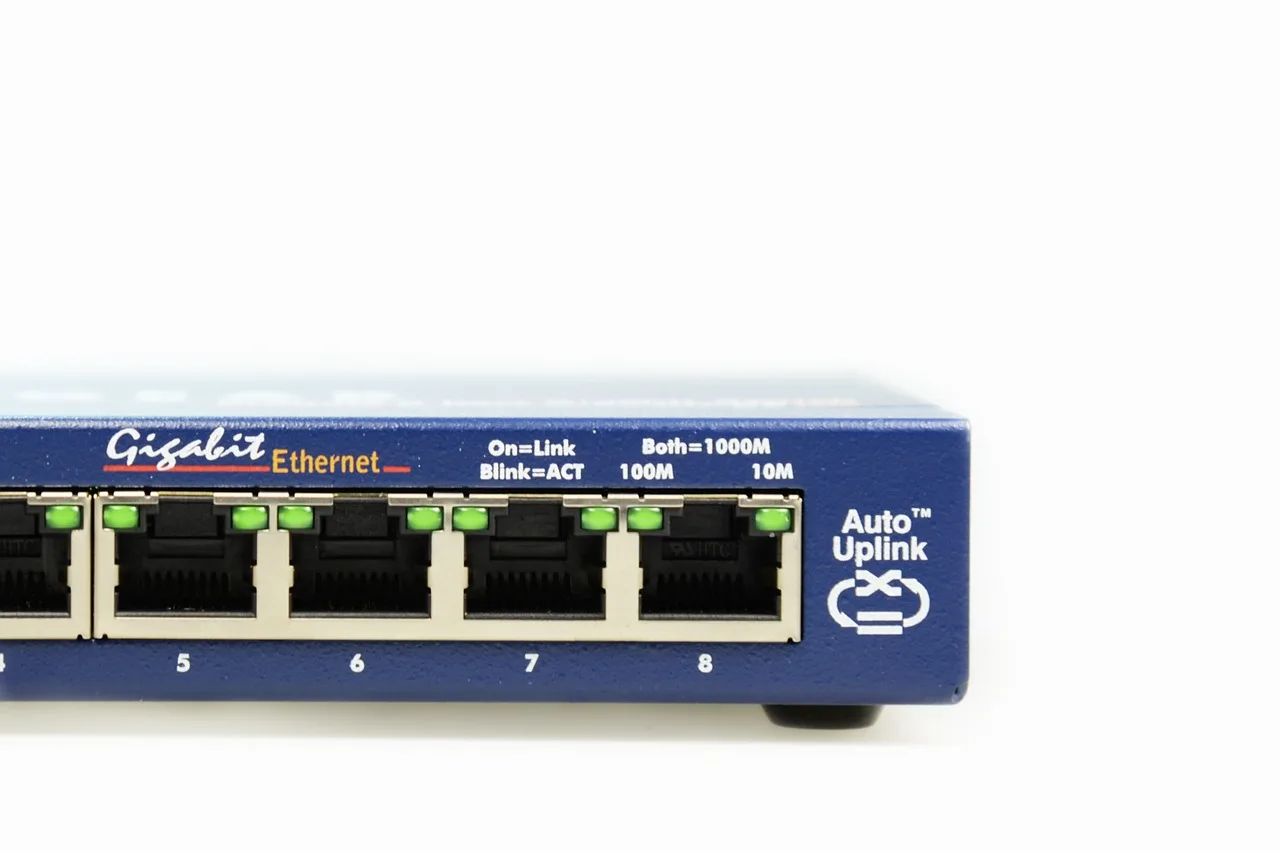
Install the switch. Size it for ports needed plus growth. If it powers phones over the same cable, it needs Power over Ethernet (PoE) per IEEE 802.3af or 802.3at, matched to the phones' draw. VoIP systems covers what those phones need. Install the router. Configure the connection, confirm the public address, record it.
Set up power. Use an uninterruptible power supply (UPS) for the router and switch, sized to the runtime you actually need; check the UPS model's load-versus-runtime chart rather than trusting a single sticker. Label everything. Both ends of every cable, every port on the panel, and the equipment itself. Test and record. The acceptance test below.
Why the panel and the labels matter
An unlabeled cable in a bundle is indistinguishable from every other cable in the bundle. Tracing one takes a person at each end and twenty minutes. Doing that four times a year for five years is the real cost of skipping a label during an install that was already open.
The patch panel does the same job for changes: a desk moves, and the change is a patch lead rather than a new run through a ceiling.
The acceptance test
Do this before the installer leaves, not the following week.
Acceptance test before installer leaves
- Every socket carries traffic
- Wired download and upload at router
- Same test at a desk
- Wireless coverage where people sit
- A real call under load
- Router and switch survive power failure
- Public address recorded
| Test | Pass looks like |
|---|---|
| Every socket carries traffic | A laptop connects on every port you paid for |
| Download and upload, wired, at the router | Close to what was sold, in both directions |
| Same test at a desk | Similar to the router figure; a large gap is a cabling or switch problem |
| Wireless coverage where people sit | Usable in the rooms, not just in the corridor |
| A real call, if phones are involved | Clear, in both directions, while a large upload runs |
| Power failure | Router and switch stay up for the stated time |
| Public address recorded | Written down, along with whether it is fixed or shared |
The call-under-load test is the one that finds priority misconfiguration. What the connection figures should be is in business internet. The FCC's Broadband Speed Guide and Measuring Broadband America reports are fair references for translating what your staff do into a target.
Two things to set up while you are there
Priority for voice traffic, on both the switch and the router, if the office has phones. Configured on install day it takes ten minutes. Configured during a complaint it takes an afternoon and an argument.
A monitoring point. Something small that measures the connection every few minutes and keeps a history. When a fault appears in four months, the history is the difference between a diagnosis and a guess. That habit is why NIST Special Publication 800-41, Guidelines on Firewalls and Firewall Policy, begins with knowing what your own network normally does.
Troubleshooting in order
When something breaks, work from the desk back to the demarcation point. Start with the layer you can see and change without tools, then move inward.
| Symptom | Likely cause | First check |
|---|---|---|
| No link light at one desk | Bad patch lead, dead port, or a cable not terminated | Swap the patch lead at the panel and at the desk; try a known-good port |
| Whole office offline | Router, modem, or provider side | Check the router's WAN light and reboot in order: modem, router, switch |
| Calls break up only when someone transfers a file | Voice traffic not prioritized | Confirm QoS or VLAN priority on the switch and router |
| Wi-Fi slow in one corner | Access point placement or channel conflict | Move the access point and change the channel |
| Intermittent errors under load | Cable damaged or not terminated to standard | Re-terminate to TIA-568 and re-test with a cable certifier |
| Equipment reboots during a brownout | UPS missing or overloaded | Check UPS load and battery health |
If the first check does not fix it, move one step toward the demarcation point and repeat. Record what you changed, because the next fault will be easier to find.
Common questions
Do we need a rack for a small office?
A small wall-mounted enclosure is enough for most, and it keeps the equipment off a shelf where somebody will pile boxes on it.
Can we reuse the cabling that is already in the walls?
Test it before deciding. Old cable often works and sometimes carries errors under load, which is worse than not working because it is hard to attribute.
Who should do the install?
Cabling is a trade. Configuration is a different one. It is common and sensible to use a cabling contractor and configure it yourself. Where the service arrives by radio, the physical work changes again, and fixed wireless covers it.
What should we keep afterward?
The photographs, the panel labeling scheme, the test results, the public address, and the name of whoever did the work.